Setup guide for the PureDMA loader, Windows requirements, Microsoft redistributables, and common troubleshooting. Read this before opening a support ticket.
DMA hardware only
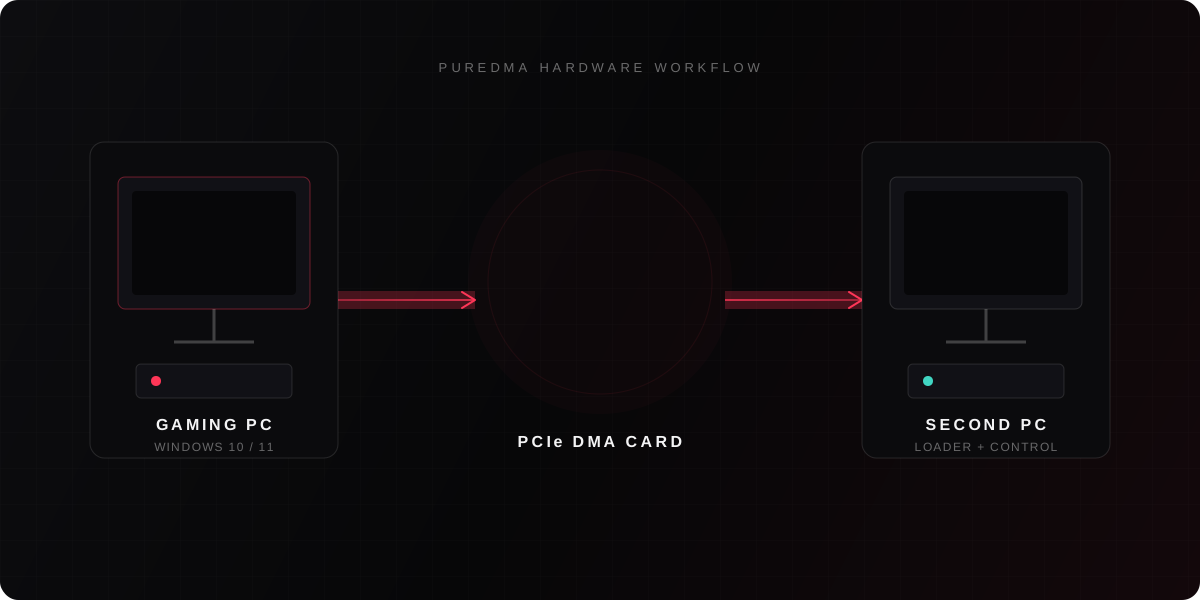
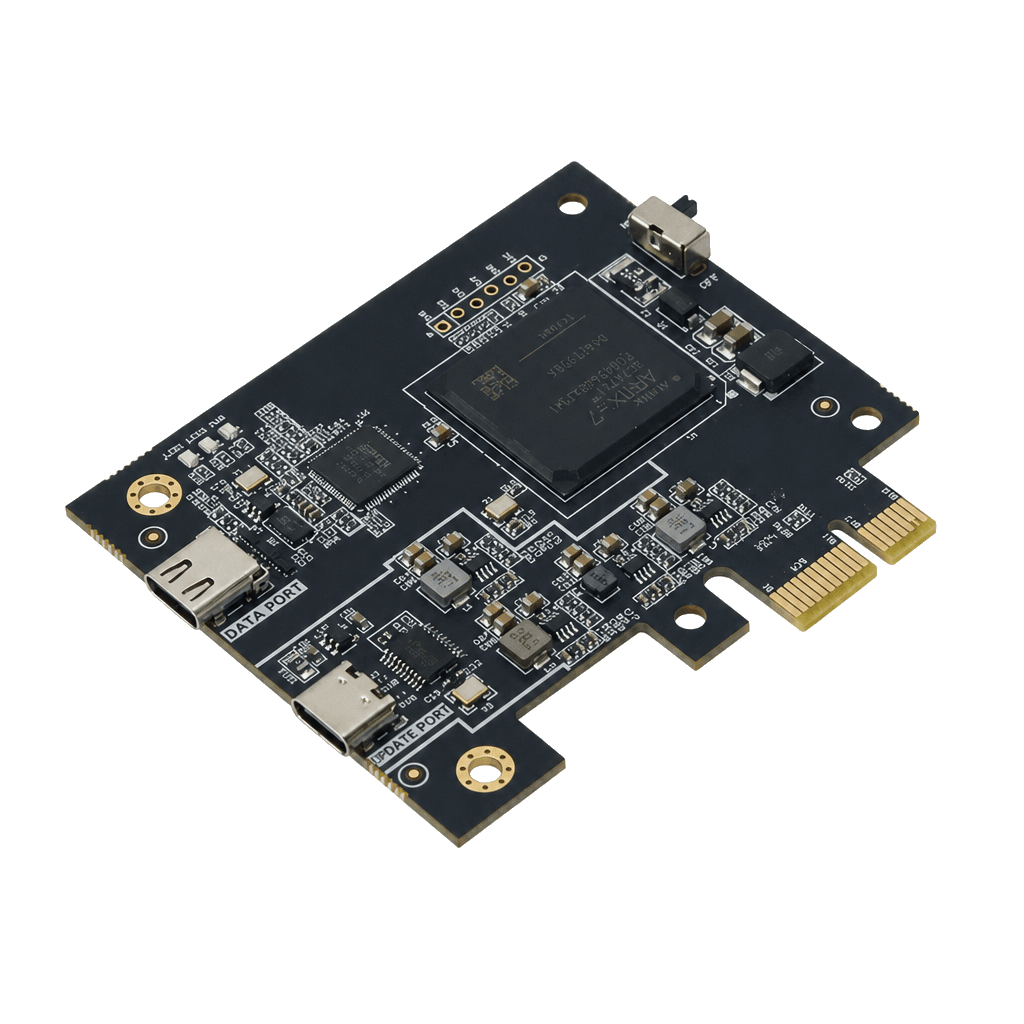
PureDMA is built exclusively for PCIe DMA cards. We do not support software-only cheats, injectors, kernel drivers, or any non-DMA setup. If you do not have a compatible DMA card and second PC / FPGA workflow, our software will not work for you.
Supported Windows versions
We support Windows 10 and Windows 11 on the gaming PC (64-bit). Keep Windows updated. Insider / Preview builds, heavily modified systems, and unsupported OS versions are not guaranteed. The second machine used with your DMA card can run a current Windows 10/11 install as well.
Required Microsoft redistributables
Install these official Microsoft packages on the machine that runs the PureDMA loader. Missing runtimes are the most common reason the loader fails to start.
How the loader works
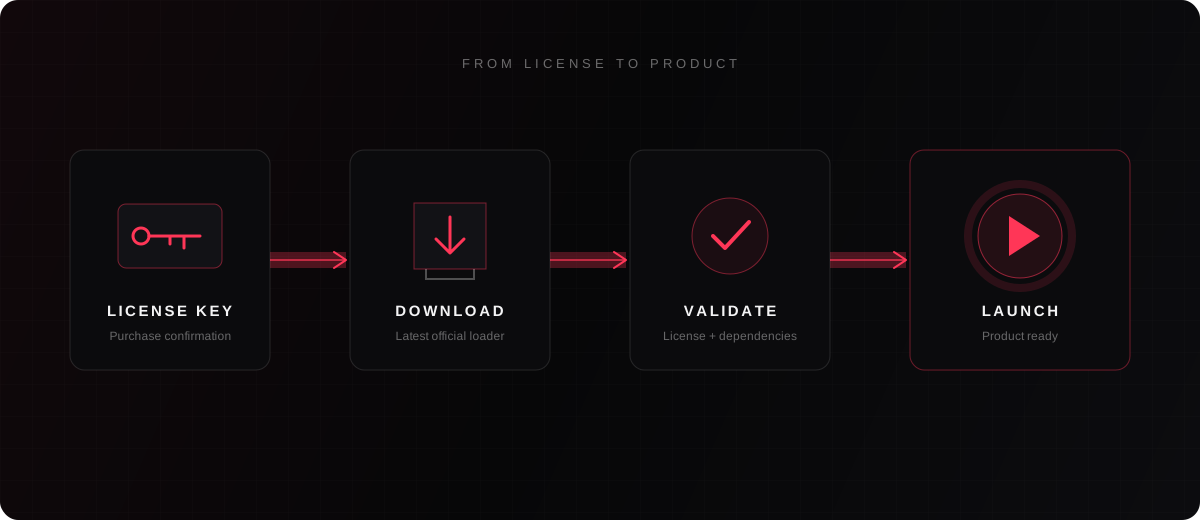
- Buy a product and receive your license key from checkout / your invoice.
- Open the Loader page, enter your key, and download the latest PureDMA loader.
- Install required Microsoft redistributables, then run the loader.
- Activate the license once on the machine you will use — it binds to that HWID and the timer starts.
- Connect your DMA hardware as documented for your card, then launch the product from the loader.
Troubleshooting tips
- Missing DLL / failed to start: install the latest Visual C++ Redistributable (x64), reboot, and try again.
- Windows SmartScreen or Defender blocked the file: allow the PureDMA loader from an official download only. Do not run cracked or re-uploaded copies.
- Firewall / network errors: allow the loader outbound access so it can validate your license and fetch updates.
- Permission errors: run the loader as Administrator once, then retry a normal launch.
- DMA not detected: reseat the card, confirm firmware/cables, and verify the second PC sees the device before launching.
- False positive quarantine: restore the file from quarantine and add an exclusion for the PureDMA folder.
- Still stuck? Open Discord support with your product name, Windows version, exact error text, and invoice ID.